What is Asset Transformer used for?
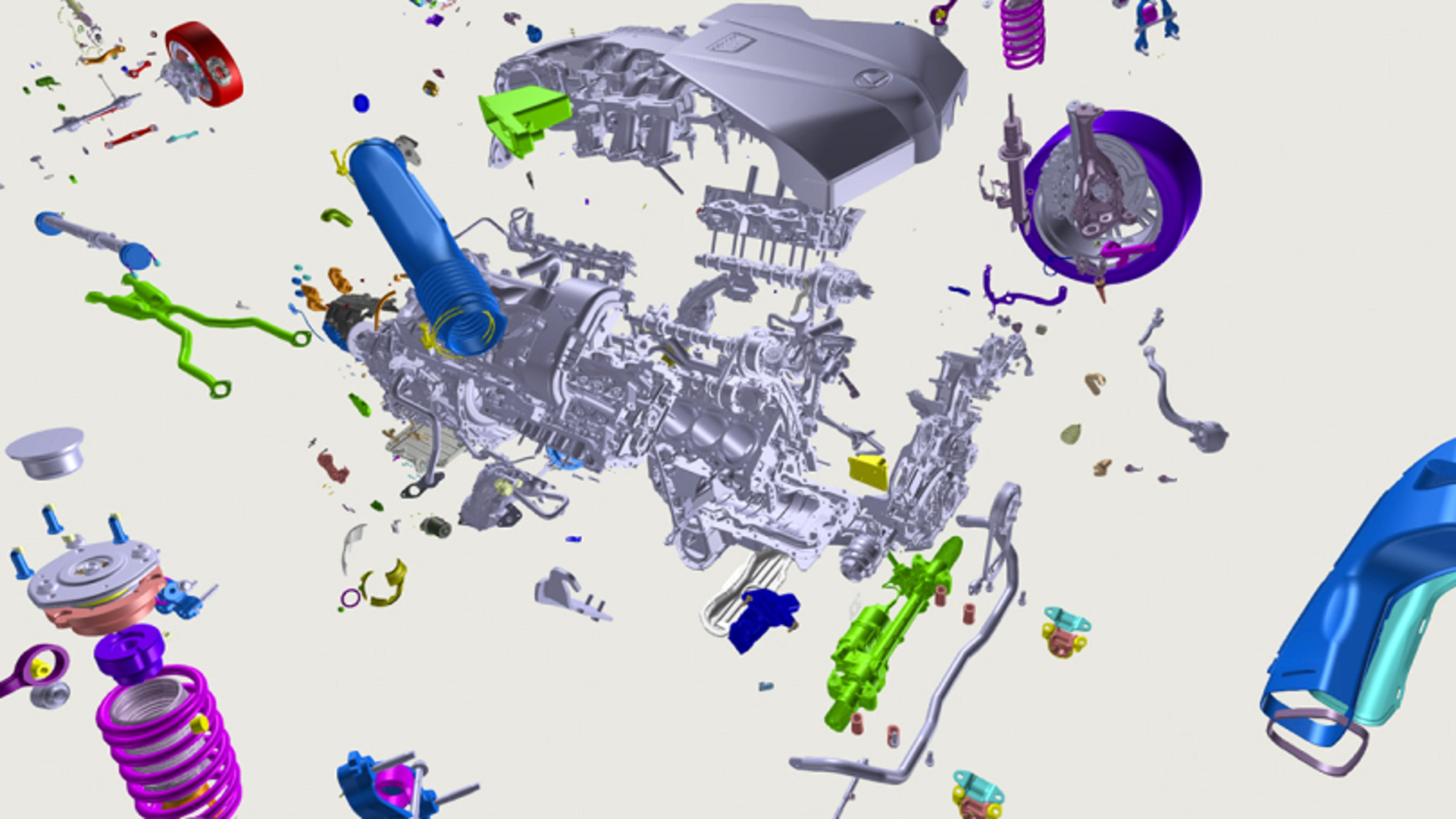
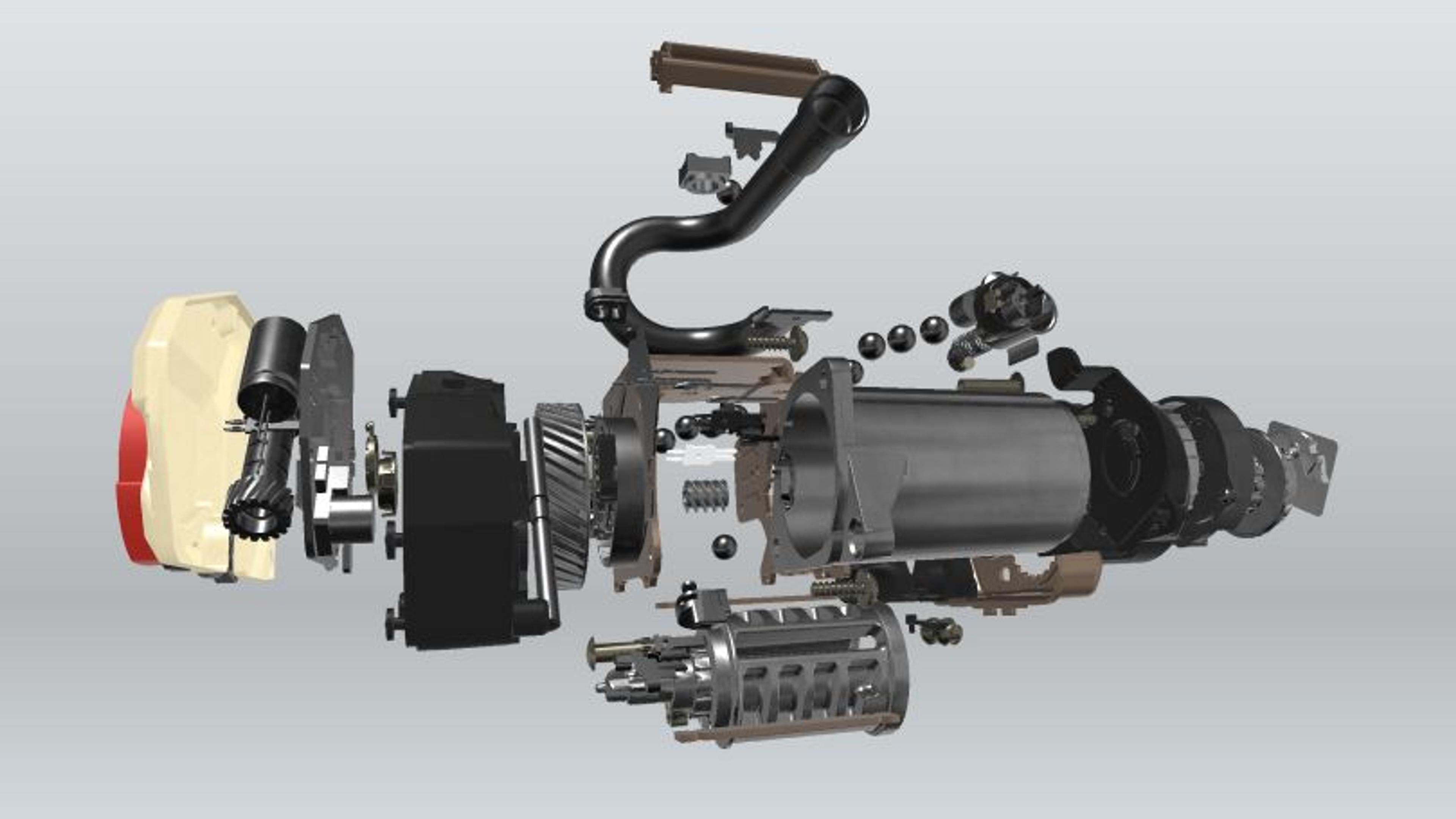
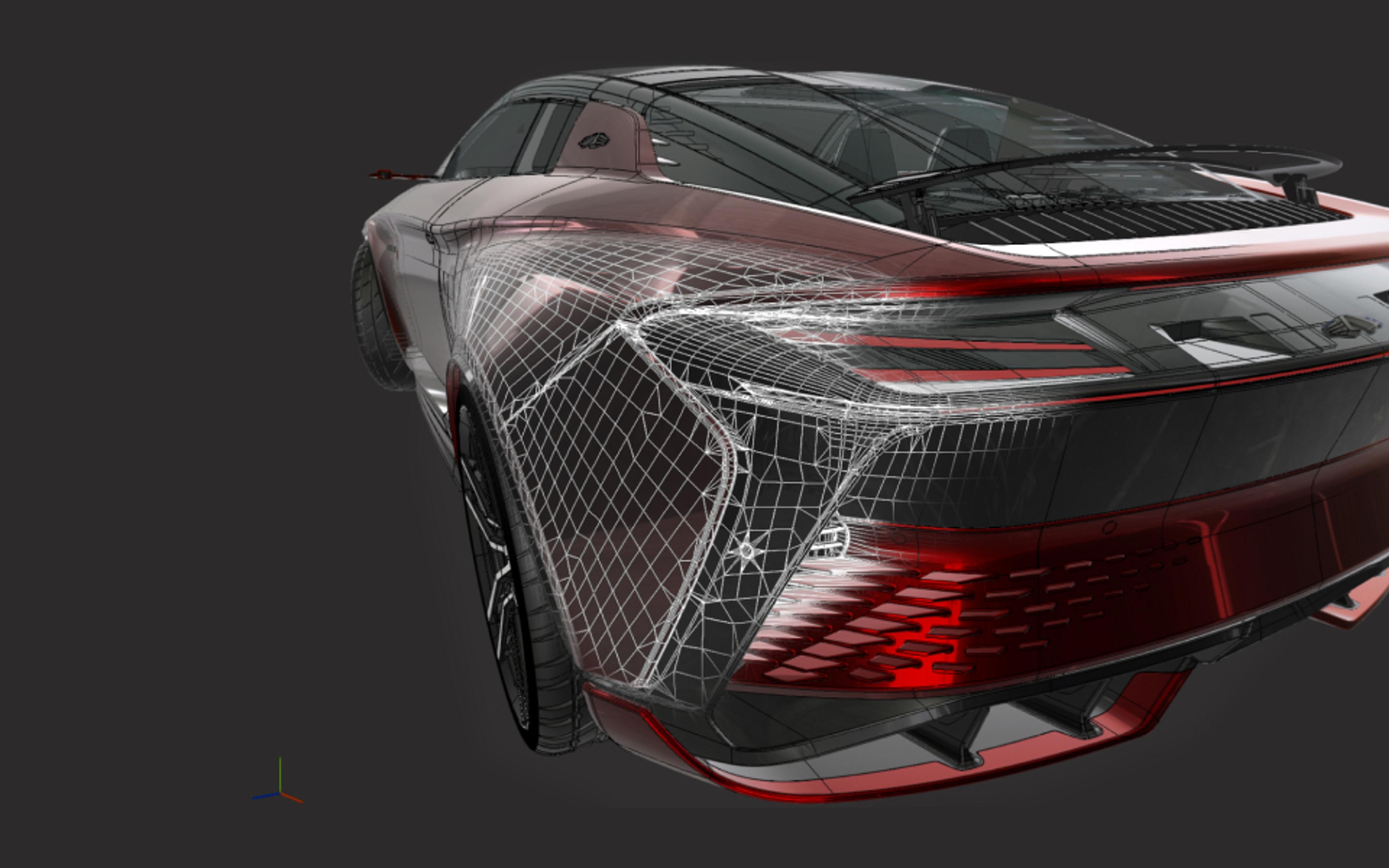
These products enable you to optimize 3D data workflows and prepare 3D data for any visualization use.
- Convert any 3D file of any type – mesh, CAD, BIM, and point cloud – into standard 3D formats.
- Optimize complex 3D models to create real-time application-ready assets.
- Automate preparation and processing of 3D, CAD and point cloud pipelines.
Automate and optimize your data pipeline
Asset Transformer Toolkit
Included in Unity Industry
Unity package for data preparation
Features:
- Import CAD/3D/BIM data to Unity
- Preserve hierarchy, materials, and metadata
- Streamline dataprep with a Rule Engine
(Formerly known as Pixyz Plugin.)

Key benefits
Import
Import small to large assemblies of over 70+ supported formats, including CAD, BIM, tessellated/mesh models and point clouds, while preserving critical information: geometry, hierarchy, material/color assignment, metadata, animation, and more.
Optimize
Create LODs and UVs, merge and explode meshes, change pivots, and more to build ready-to-use assets within Unity. Optimize any data natively within the Unity Editor without re-importing, so you can focus on your ultimate goal – developing and sharing immersive, real-time 3D experiences.
Visualize
The faster you can get your 3D models into Unity, the sooner you can visualize and shape them into real-time 3D experiences for your target audience.
Publish
With your 3D models imported and optimized in Unity, you just have to build once to publish 3D CAD visualizations to over 25 platforms for mobile, desktop, virtual reality (VR), augmented reality (AR), and more.

Faster data ingest for Autoliv
By leveraging Asset Transformer, Autoliv’s creative pipeline was revolutionized. The time for CAD data transfer and optimization was reduced from four days per individual product down to just six hours.

Get started with Asset Transformer and Unity
Check out Unity Industry, which combines Unity Enterprise, Asset Transformer’s CAD and 3D data ingestion pipelines, and dedicated customer success resources.
We’re excited to announce that Pixyz is now Unity Asset Transformer. This name change better reflects our mission to simplify 3D data transformation and align with Unity’s vision.
What’s changing:
- Pixyz to Unity Asset Transformer
- Pixyz Plugin to Unity Asset Transformer Toolkit
- Pixyz Studio to Unity Asset Transformer Studio
- Pixyz SDK to Unity Asset Transformer SDK
You’ll start seeing the new names across our website and in product experiences. Existing products, workflows, and licences remain fully supported.
Learn more in our Discussions post.
Yes. Unity Industry Trial is a 30-day free trial of Unity Industry that includes access to Asset Transformer Toolkit and Unity’s powerful suite of tools designed to help you innovate in any industry - from automotive and manufacturing to construction, healthcare, and retail. Unity Industry provides advanced visualization, simulation, AR/VR, and interactive applications to accelerate innovation and improve workflows.
Sign up for the 30-day free trial of Unity Industry here.
Unity Asset Transformer Toolkit is a Unity package natively supported in Unity Editor: check the compatibility here.
Asset Transformer Studio and SDK can export to 3D formats compatible with Unity such as FBX, glTF or OBJ.
Asset Transformer supports more than 70 file formats and extensions for various industries, including CATIA, JT, STEP, IFC, PVZ, NWD, USD and glTF. See the full list of supported files here.
CAD files rely on exact parametric surfaces (called BRep, or NURBS), whereas real-time 3D engines like Unity need triangular representations of 3D objects (called meshes). Asset Transformer translates CAD data into mesh data.
For basic interactive workflows, use Unity Asset Transformer Toolkit to directly import CAD files.
For highly complex, heavy data, you can use Unity Asset Transformer Studio (interactive process) or Unity Asset Transformer SDK (automated process) to preprocess your CAD model into a format that can be easily imported into Unity, including FBX and glTF.
Asset Transformer offers many methods to simplify your model, including:
- Reducing the number of triangles through decimation or Remove Occluded Geometries
- Reducing the complexity of the hierarchy and number of entities in your scenes (sub-meshes with merge or combine)
- Creating a new optimized GameObject through retopology (proxy-mesh + bake) or Create Impostor / Billboard
Asset Transformer Toolkit Studio: Annual subscription: $2,450 per seat
Asset Transformer Toolkit: Annual subscription: $1,350 per seat. Part of Unity Industry subscription.
For Asset Transformer SDK, floating licenses, or any other pricing queries, contact us.
Asset Transformer Toolkit is included with a Unity Industry subscription. Asset Transformer Studio and Asset Transformer SDK require a separate entitlement from Unity licenses.
If you wish to purchase Asset Transformer Toolkit, we recommend Unity Industry, which includes Unity Enterprise, the Asset Transformer Toolkit and an Industry Success package complete with dedicated Unity Advisor and access to on-demand training.
You can also use Asset Transformer Studio and/or Asset Transformer SDK to prepare data for use in real-time 3D, then export that data for use with Unity.